EYE BEAUTY

PROJECT DETAILS
CRAFTING THE LIGHT
BEFORE AND AFTER
Transformation made visible.
TOOLS
Equipment List
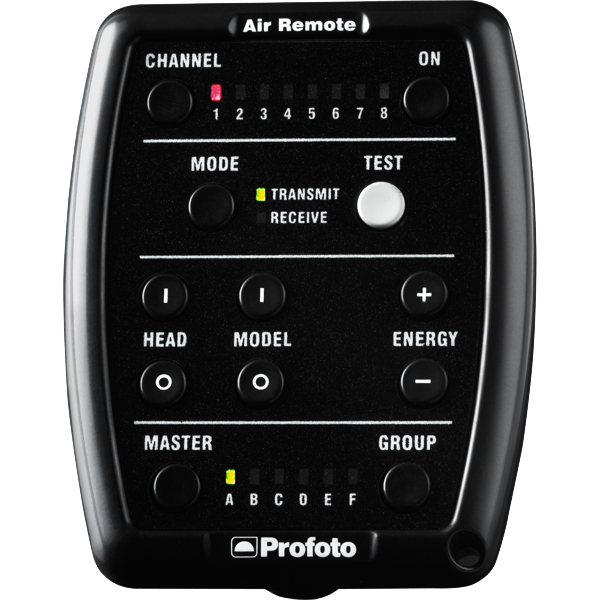
Profoto Air Remote
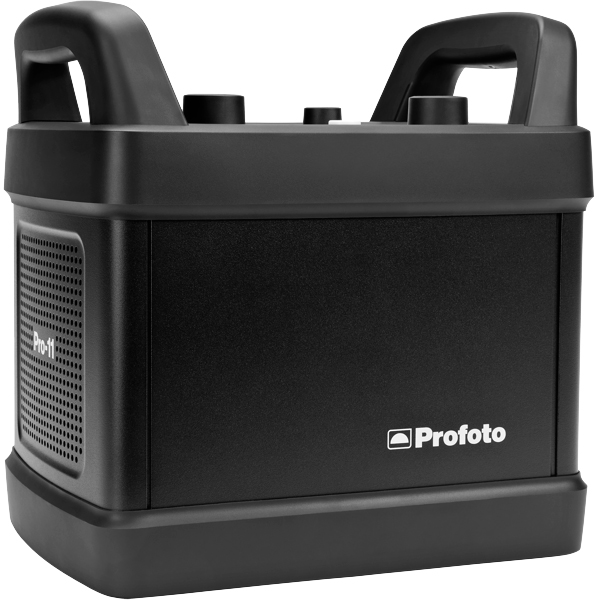
Profoto Pro 11
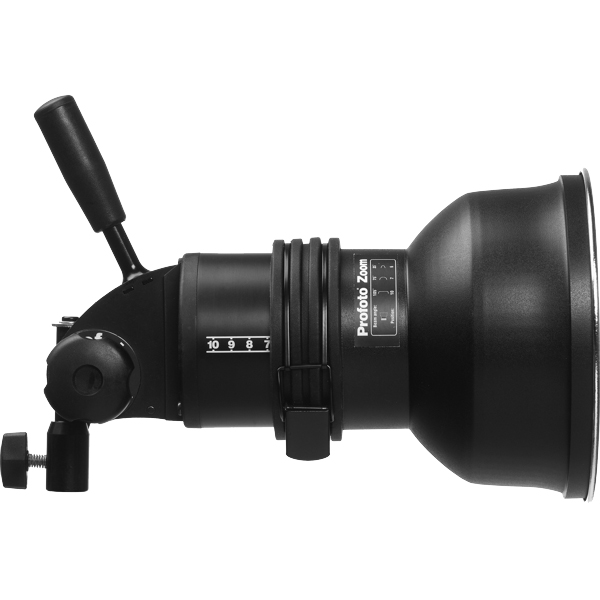
Profoto ProHead
Profoto Extension Cable
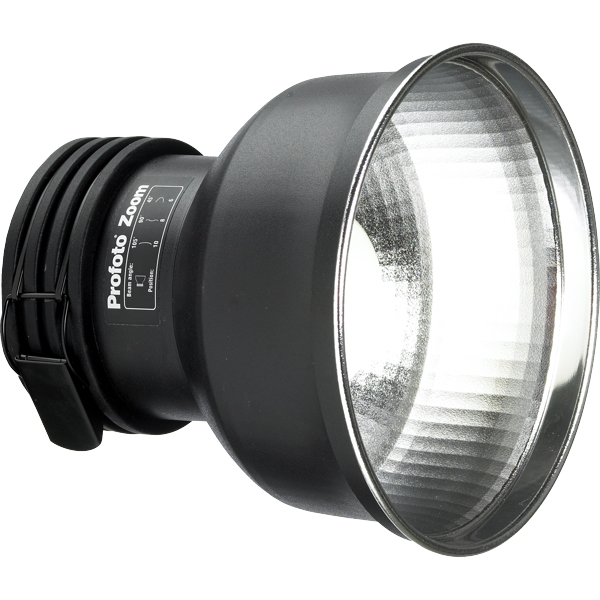
Profoto Zoom Reflector
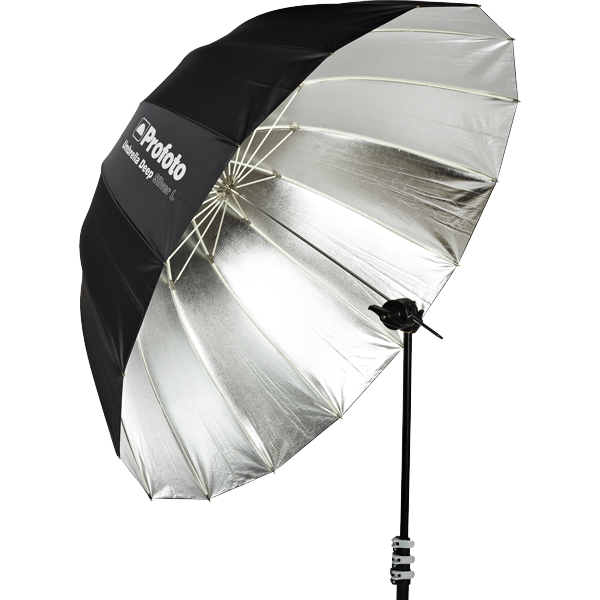
Profoto Umbrella Deep Silver L
Profoto Umbrella Shallow White M
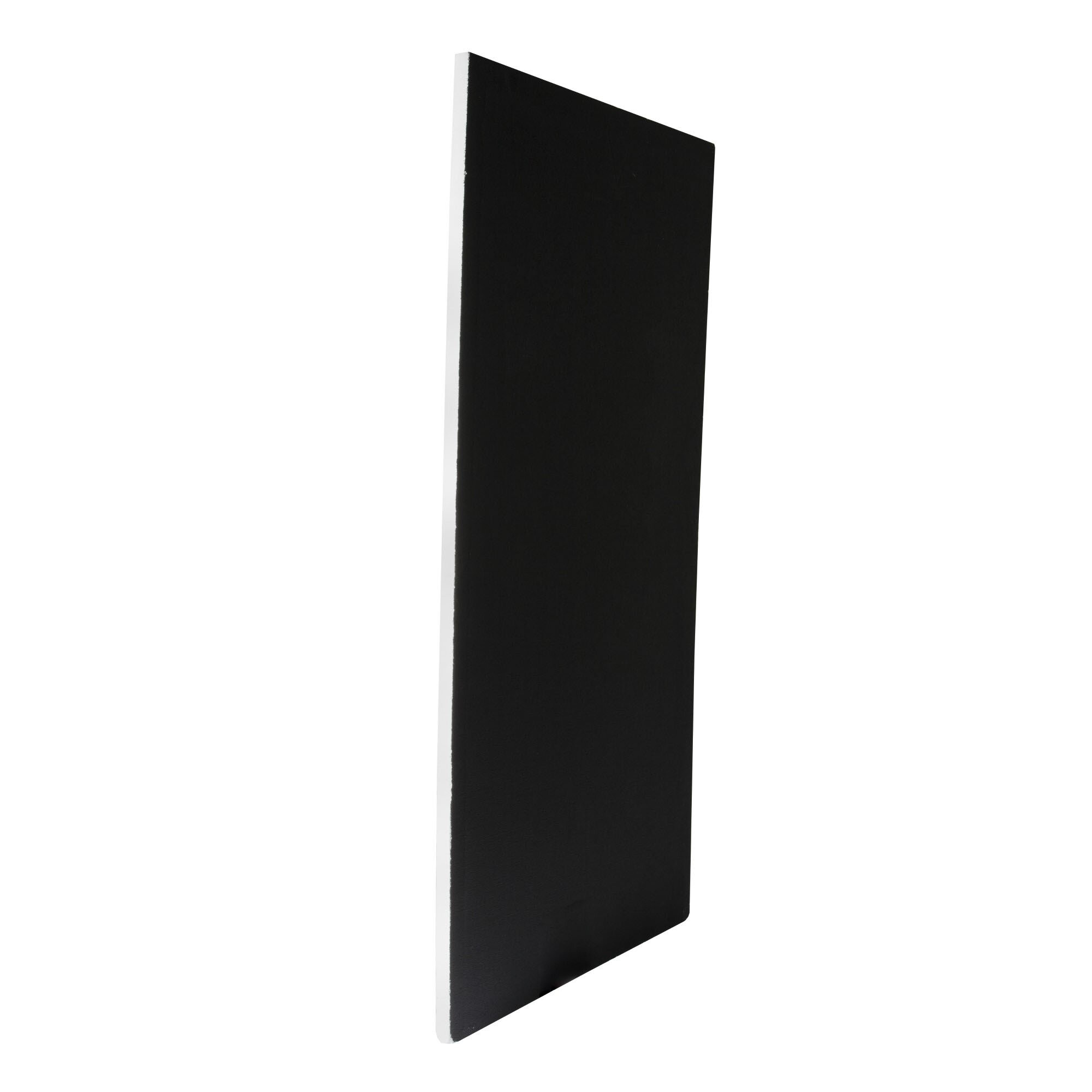
Poly Board Black Large
Poly Board White Large
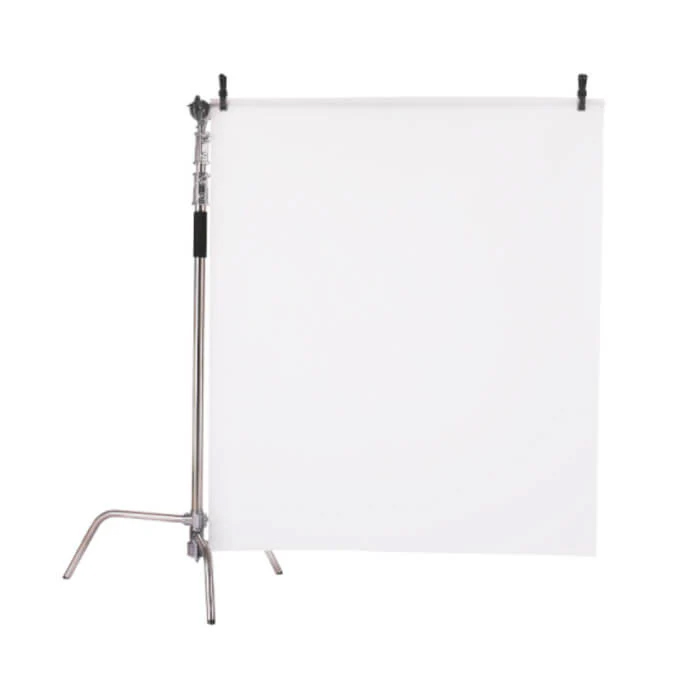
Diffusion Foil
Get your full EQ list here
Project Intro
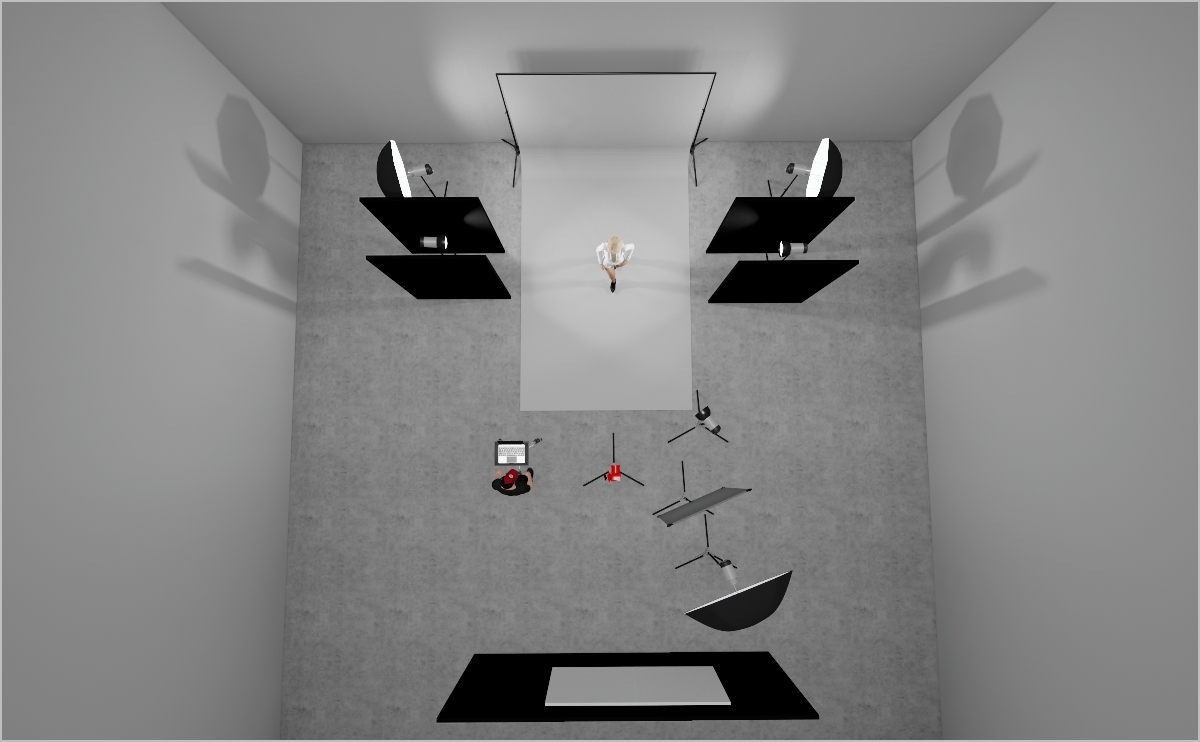
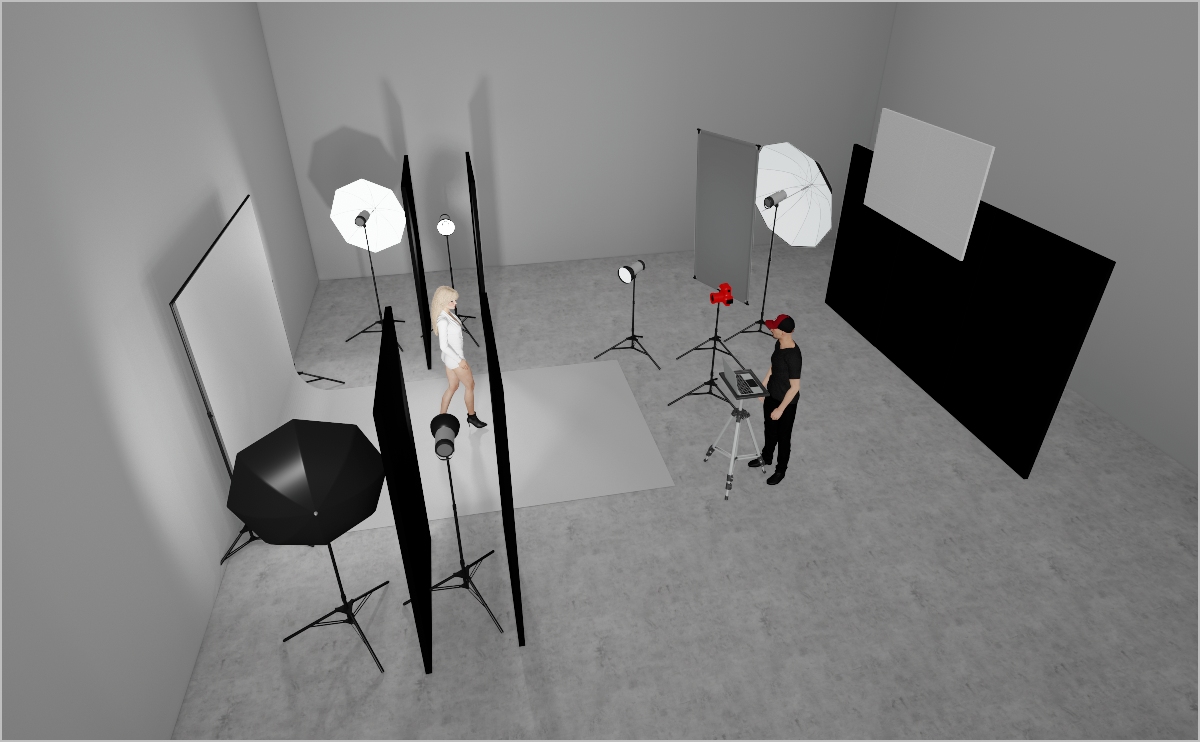
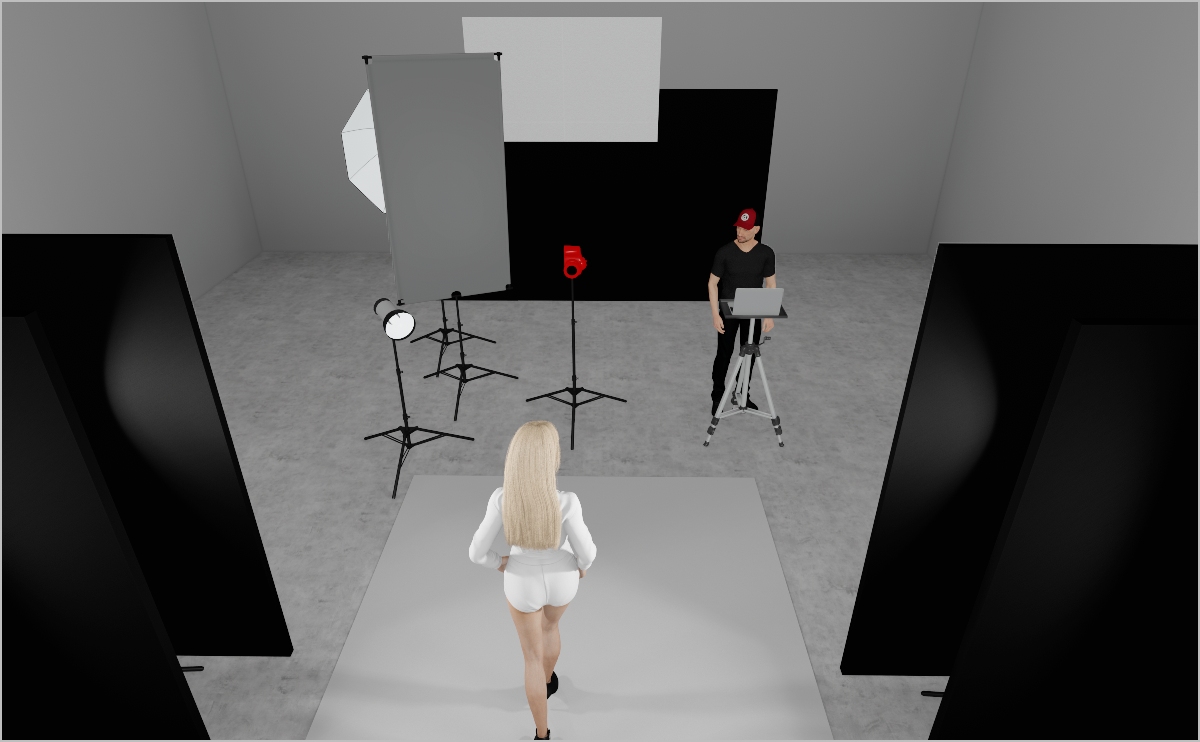
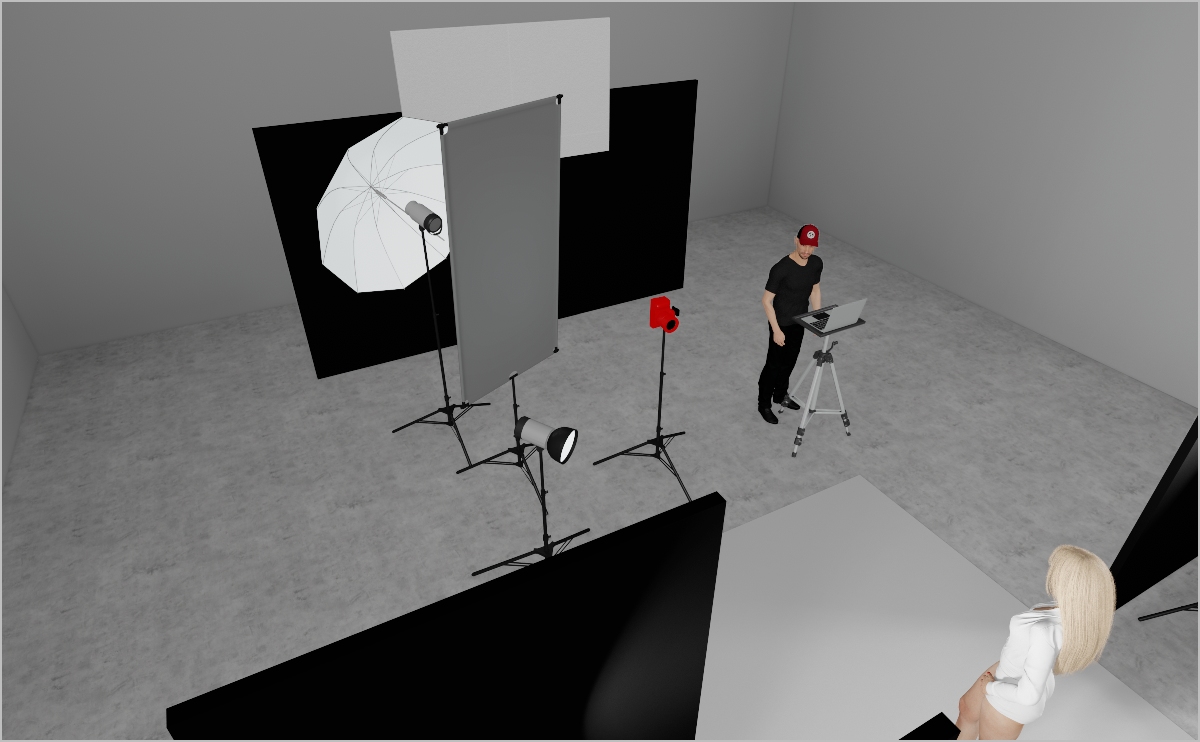
This setup is designed to shape a luminous, halo-inspired beauty light with a modern feel. By separating each component, the lighting can be fine-tuned with complete control.
STEP 1
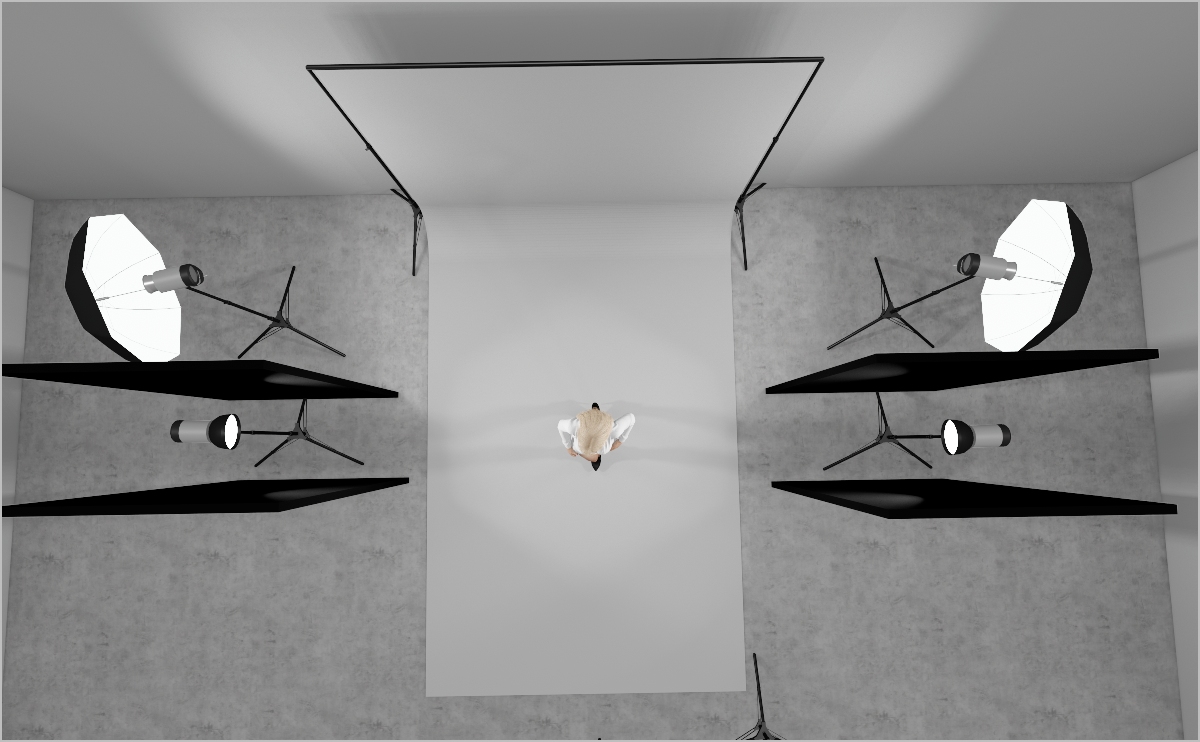
  • Mount two Profoto White Medium Umbrellas on ProHeads and C-stands, one left and one right of the white backdrop, angled at about 80° toward it.
  • These will push the backdrop to blown-out whites and spill just enough light around the model’s back for a soft wrap.
  • Start at Power 8.0 and tweak to taste.
STEP 2
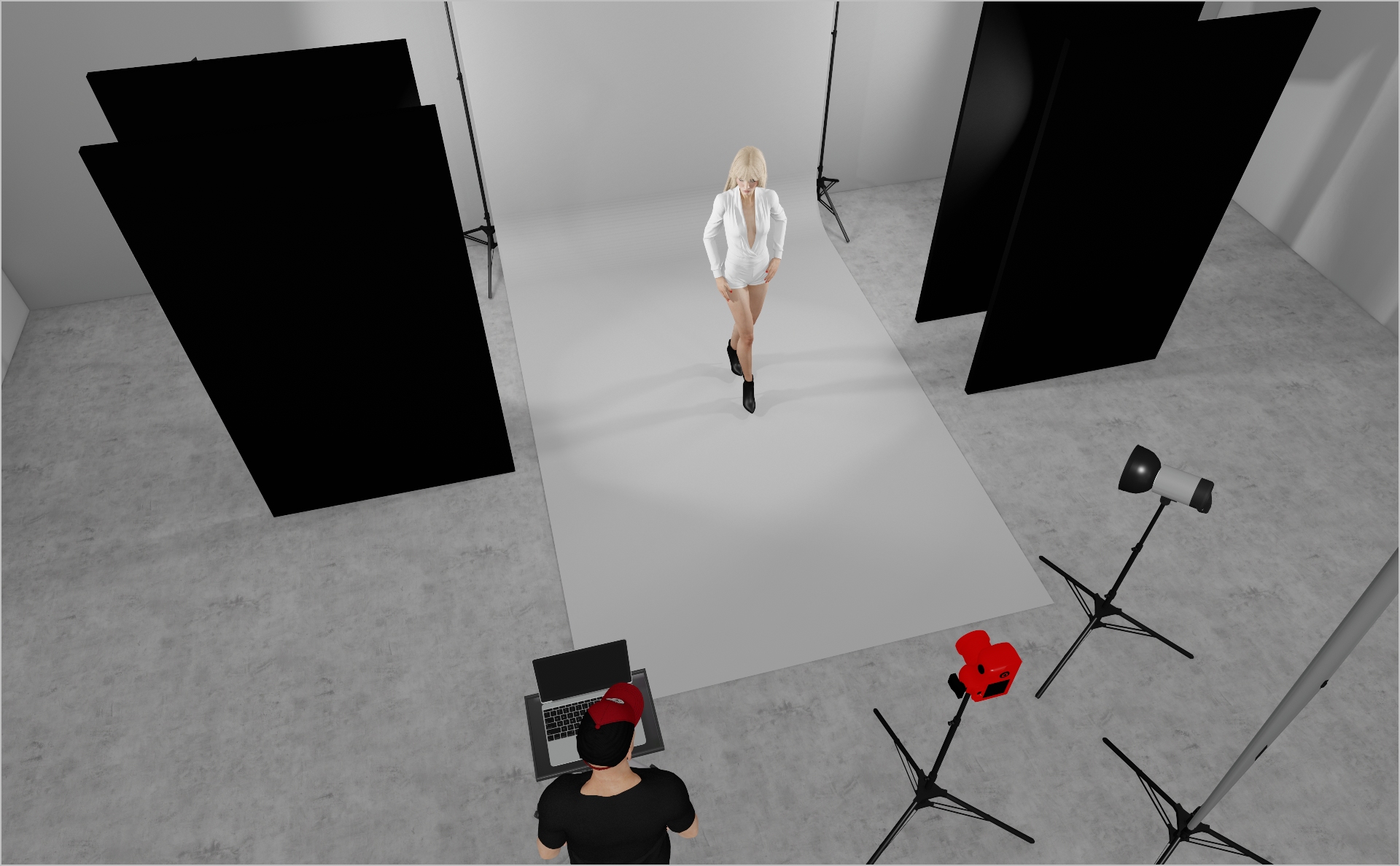
  • Place four black polyboards on the left and right sides of the set.
  • Place a Profoto ProHead with Zoom Reflector on each side between them—polyboards block any spill from these units.
  • Aim each light directly at the model from its respective side to wrap her in a subtle halo without overpowering her features.
  • Start at Power 5.0 and tweak as needed.
STEP 3
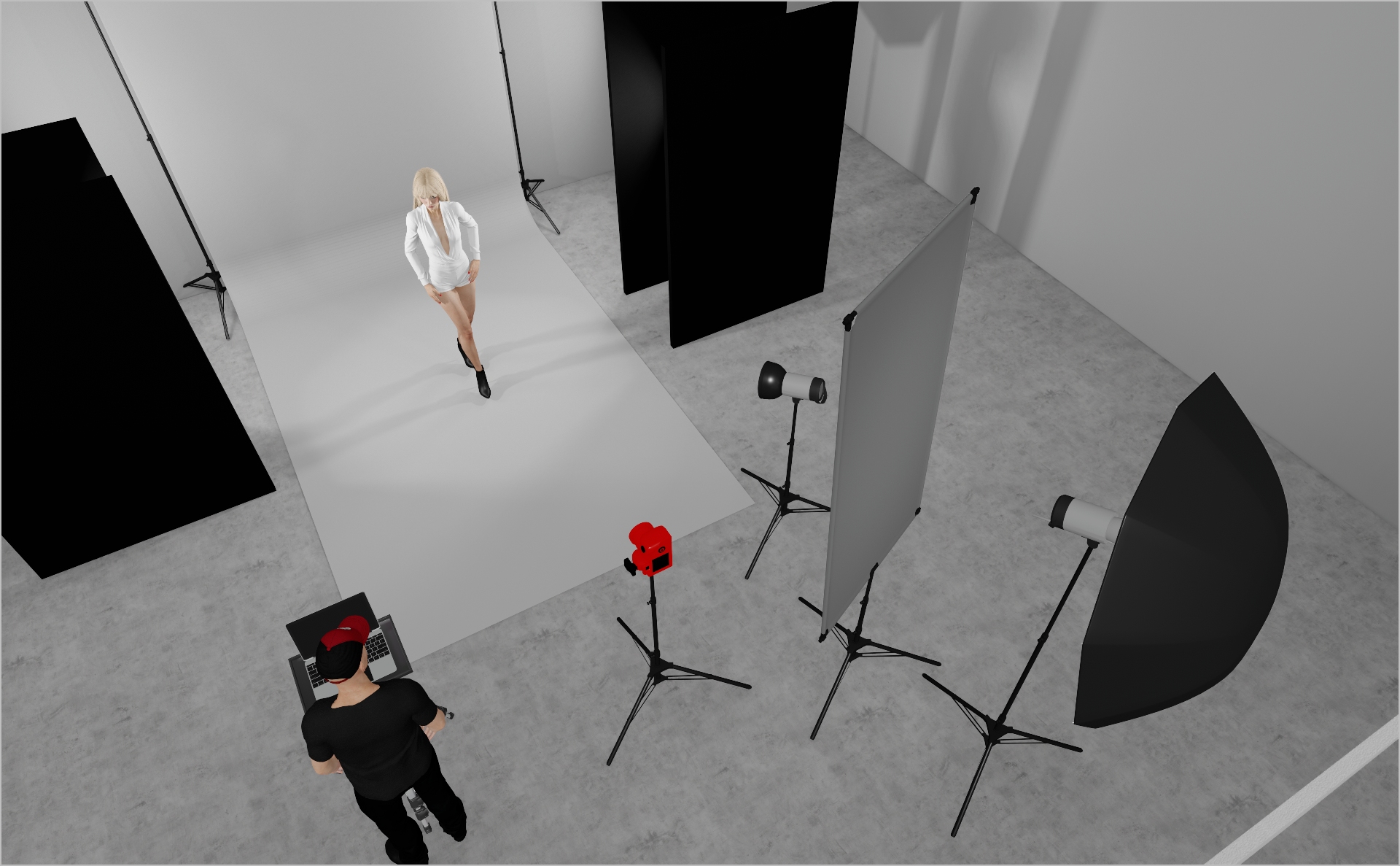
  • Mount a Profoto ProHead with Zoom Reflector at camera-right, aimed at the model.
  • Set to very low power—this light’s sole job is to add subtle catch-lights in the eyes.
  • Start at low Power and tweak as needed.
STEP 4
  • Mount a Profoto Deep Silver Umbrella on a Profoto ProHead and attach white diffusion foil in front for a softer spread.
  • Position it to evenly fill shadows across the model’s full body.
  • Start at Power 4.0 and tweak to taste.
  • Camera Settings: 1/160 s, f/11, ISO 160 – adjust to your environment.
Extra images
PROJECT DETAILS
CRAFTING THE LIGHT
Project Intro
This setup is designed to shape a luminous, halo-inspired beauty light with a modern feel. By separating each component, the lighting can be fine-tuned with complete control.
BEFORE AND AFTER
Transformation made visible.
STEP 1
  • Mount two Profoto White Medium Umbrellas on ProHeads and C-stands, one left and one right of the white backdrop, angled at about 80° toward it.
  • These will push the backdrop to blown-out whites and spill just enough light around the model’s back for a soft wrap.
  • Start at Power 8.0 and tweak to taste.
STEP 2
  • Place four black polyboards on the left and right sides of the set.
  • Place a Profoto ProHead with Zoom Reflector on each side between them—polyboards block any spill from these units.
  • Aim each light directly at the model from its respective side to wrap her in a subtle halo without overpowering her features.
  • Start at Power 5.0 and tweak as needed.
STEP 3
  • Mount a Profoto ProHead with Zoom Reflector at camera-right, aimed at the model.
  • Set to very low power—this light’s sole job is to add subtle catch-lights in the eyes.
  • Start at low Power and tweak as needed.
STEP 4
  • Mount a Profoto Deep Silver Umbrella on a Profoto ProHead and attach white diffusion foil in front for a softer spread.
  • Position it to evenly fill shadows across the model’s full body.
  • Start at Power 4.0 and tweak to taste.
  • Camera Settings: 1/160 s, f/11, ISO 160 – adjust to your environment.
No items found.
Extra images
BEFORE AND AFTER
A closer look at professional environments.
TOOLS
Equipment List
Profoto Air Remote
Profoto Pro 11
Profoto ProHead
Profoto Extension Cable
Profoto Zoom Reflector
Profoto Umbrella Deep Silver L
Profoto Umbrella Shallow White M
Poly Board Black Large
Poly Board White Large
Diffusion Foil

Here you´ll find everything to elevate your career

UNLOCKED
Lighting
UNLOCKED
Capture One Styles
LOCKED
UNLOCKED
Retouching
LOCKED
UNLOCKED
EQ Overview
LOCKED
UNLOCKED
Community
MEMBER-EXCLUSIVE OFFERING
Mentoring
Rotate your device to see the content