ROBE - ICY BLUE

PROJECT DETAILS
CRAFTING THE LIGHT
BEFORE AND AFTER
Transformation made visible.
TOOLS
Equipment List
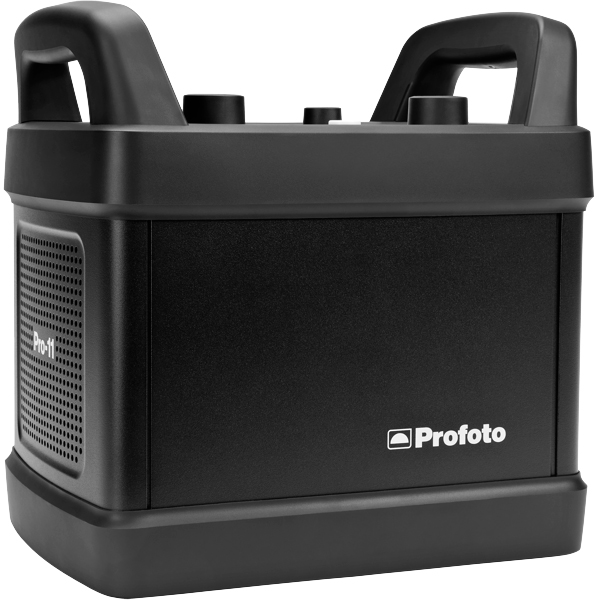
Profoto Pro 11
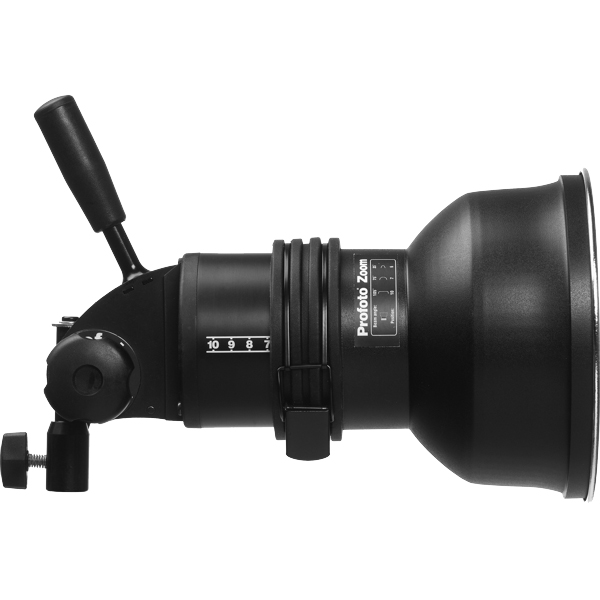
Profoto ProHead
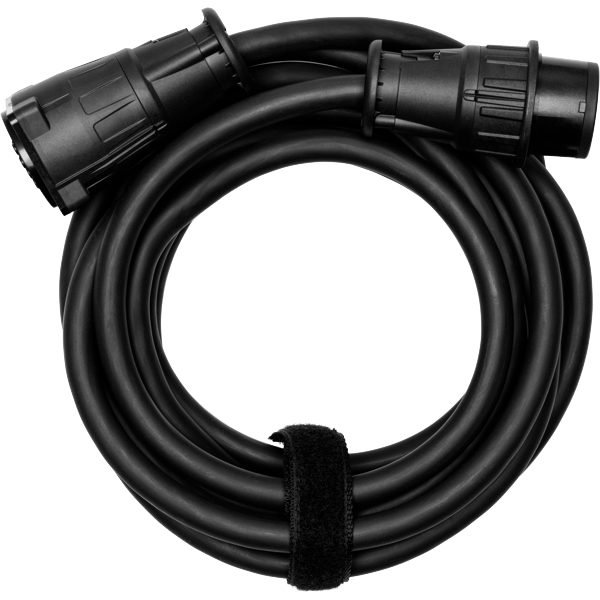
Profoto Extension Cable
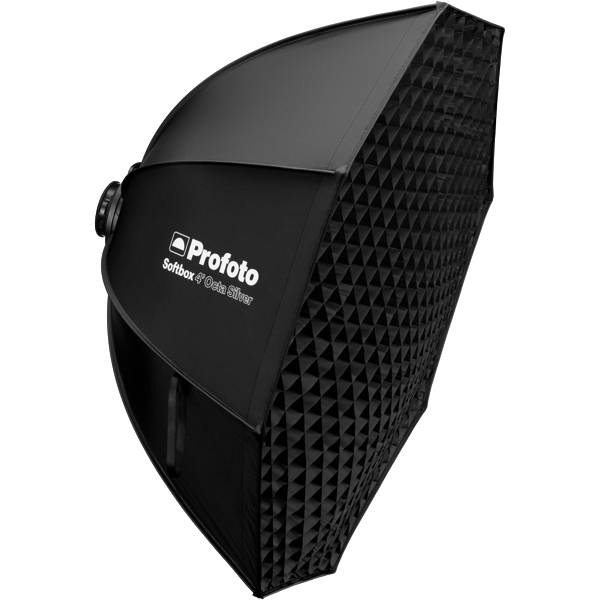
Profoto Octa Softgrid
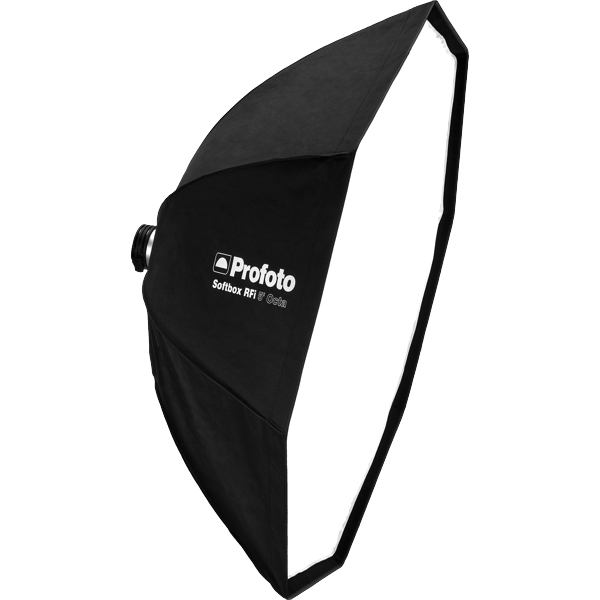
Profoto RFI Softbox Octa 5"(150cm)
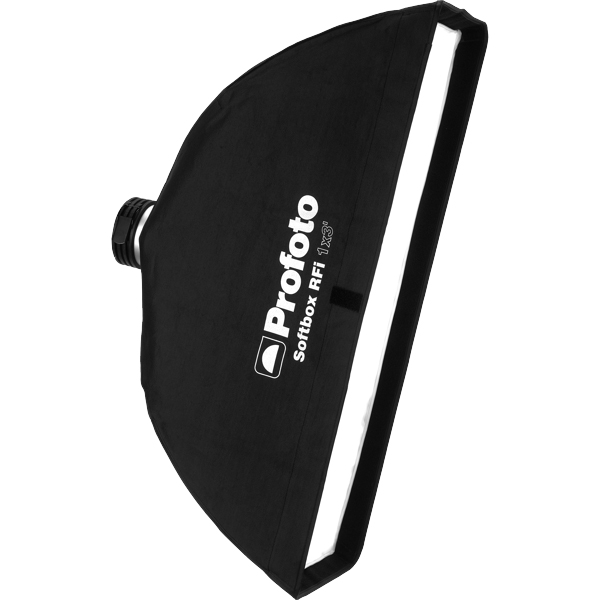
Profoto RFI Softbox 1x3"(30x90cm)
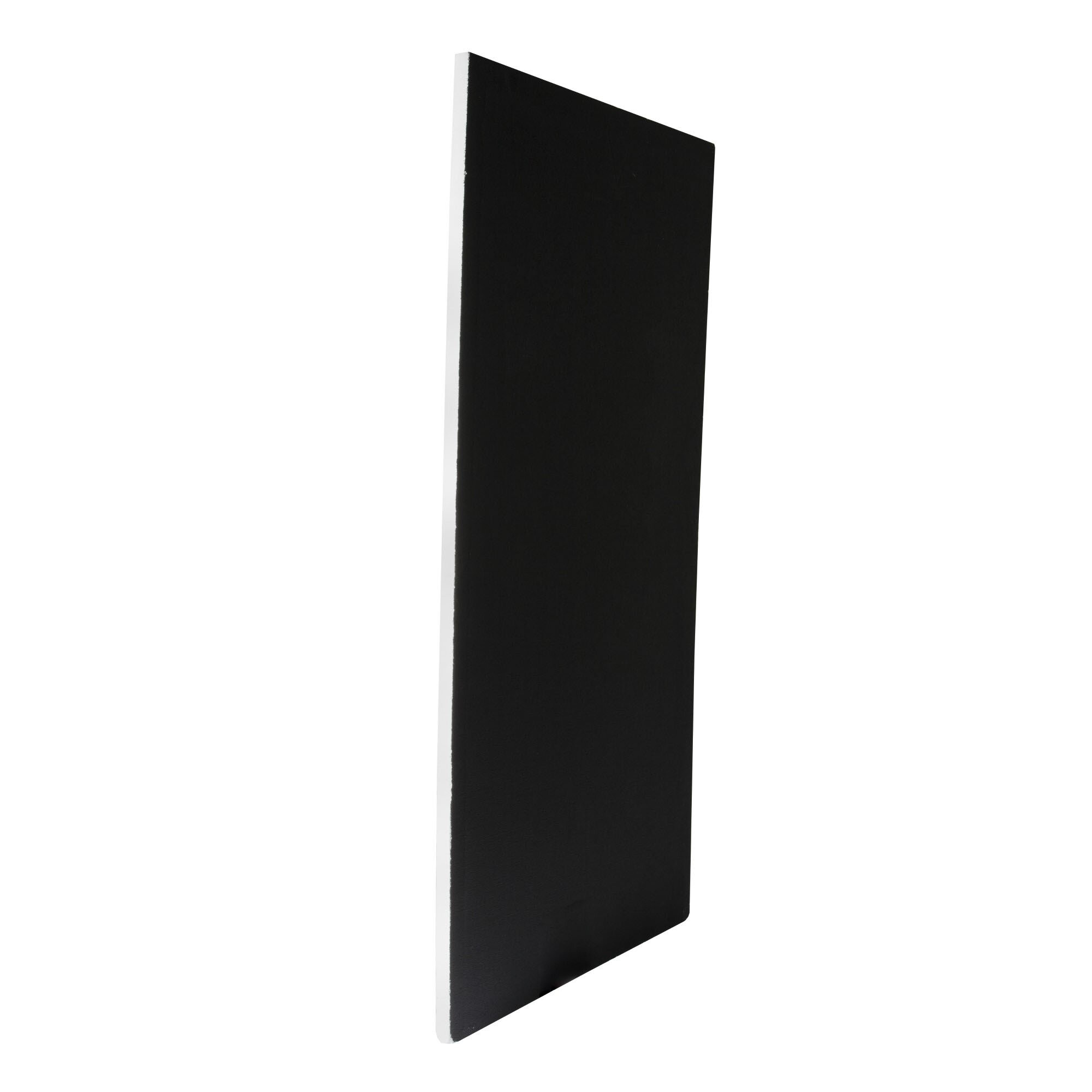
Poly Board Black Large
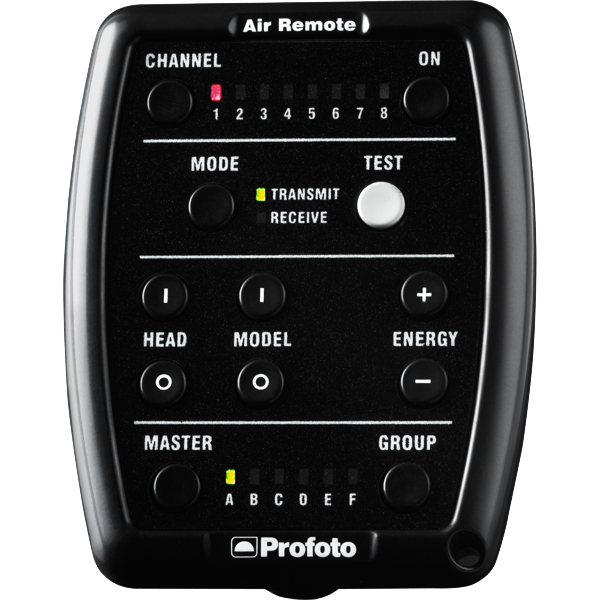
Profoto Air Remote
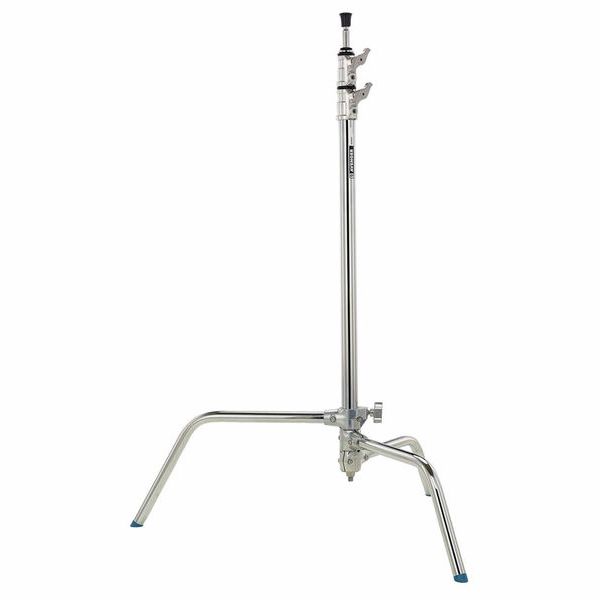
C-Stand
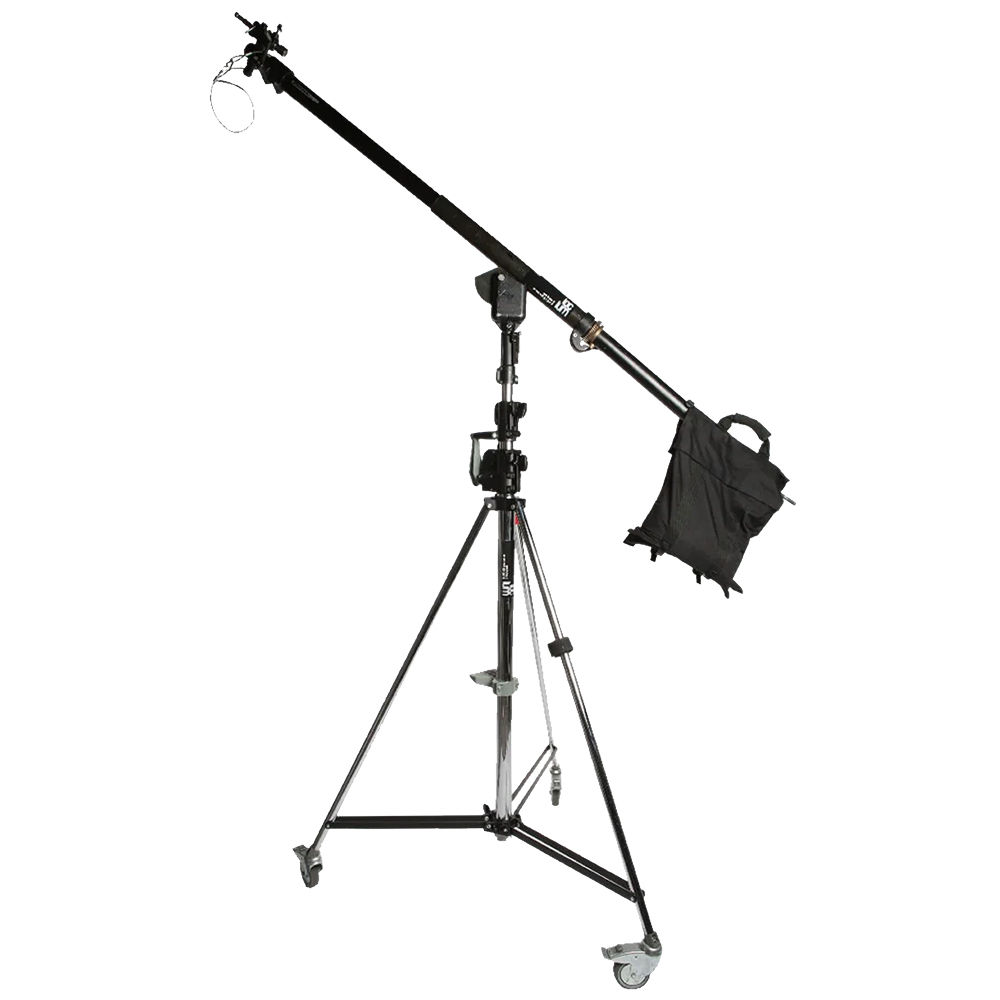
Mega Boom Stand & Wind-Up
Get your full EQ list here
Project Intro
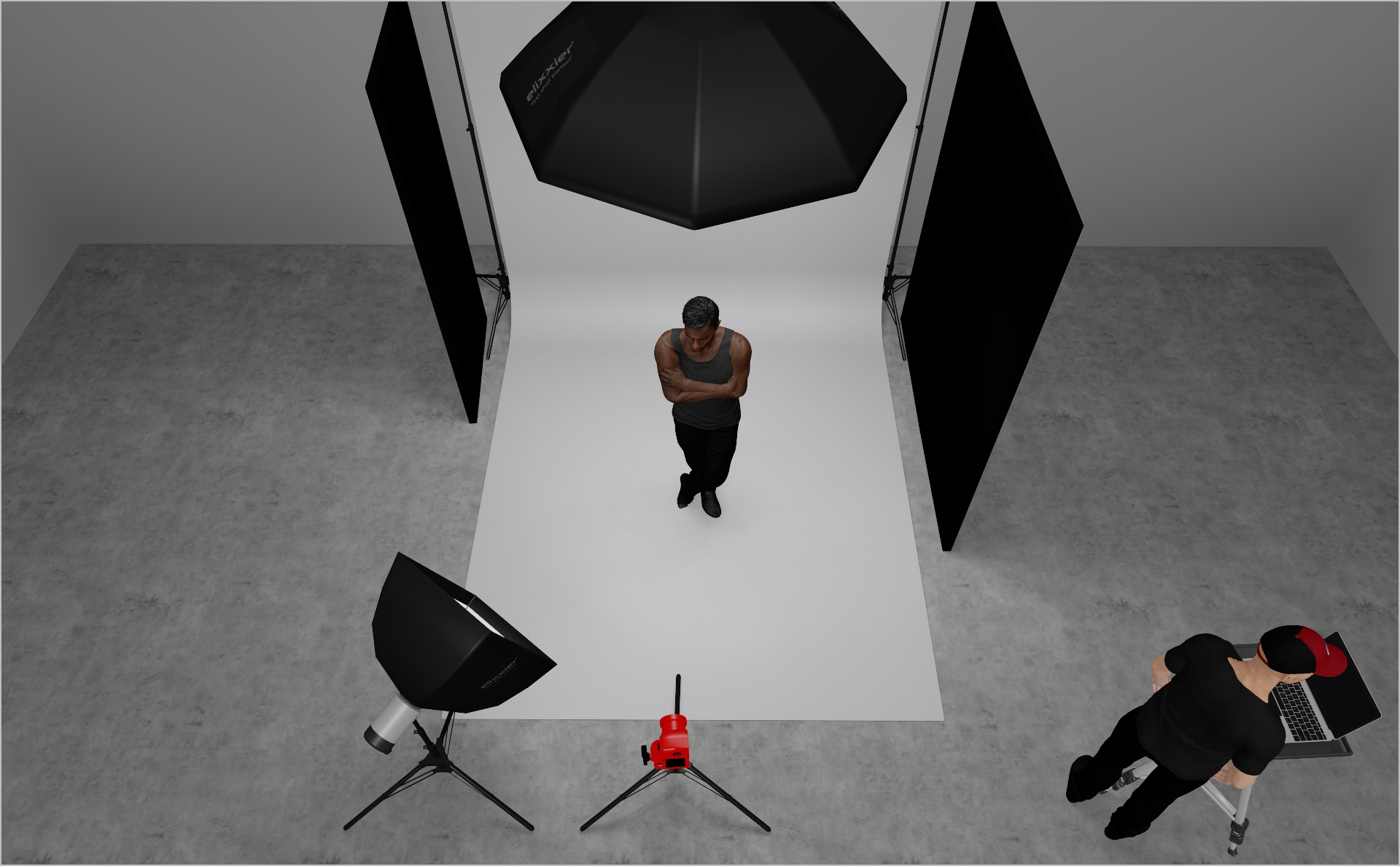
This editorial setup is designed to create a top light that shapes the face and body and adds depth to the image. The light comes from above with enough softness to stay flattering, but still directional enough to define cheekbones, the nose shadow and the overall structure of the face. The fall off helps keep the frame grounded and introduces a subtle sense of drama without looking harsh. It tends to work especially well on darker skin tones with a result that feels editorial and dimensional without losing detail in skin or styling.
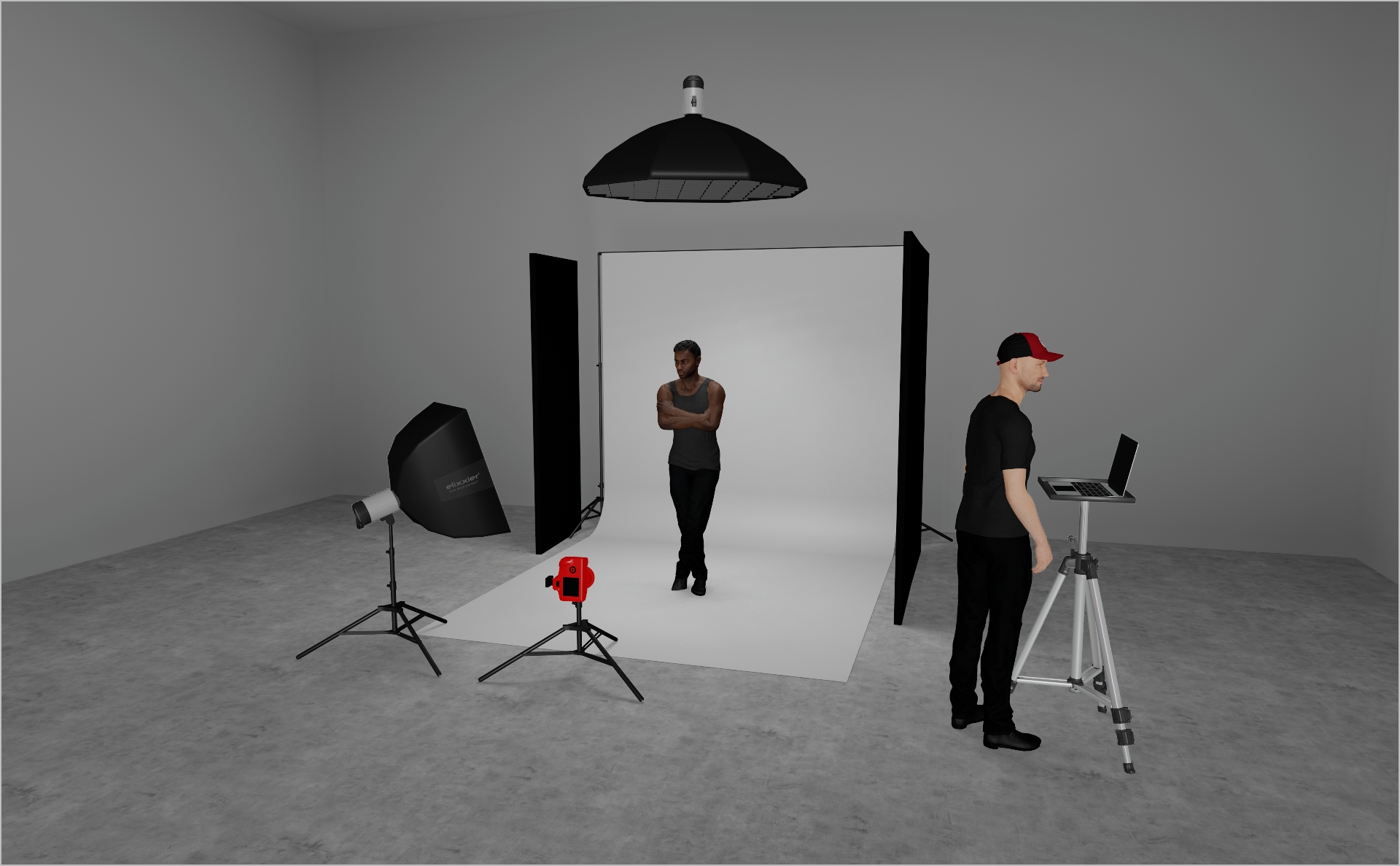
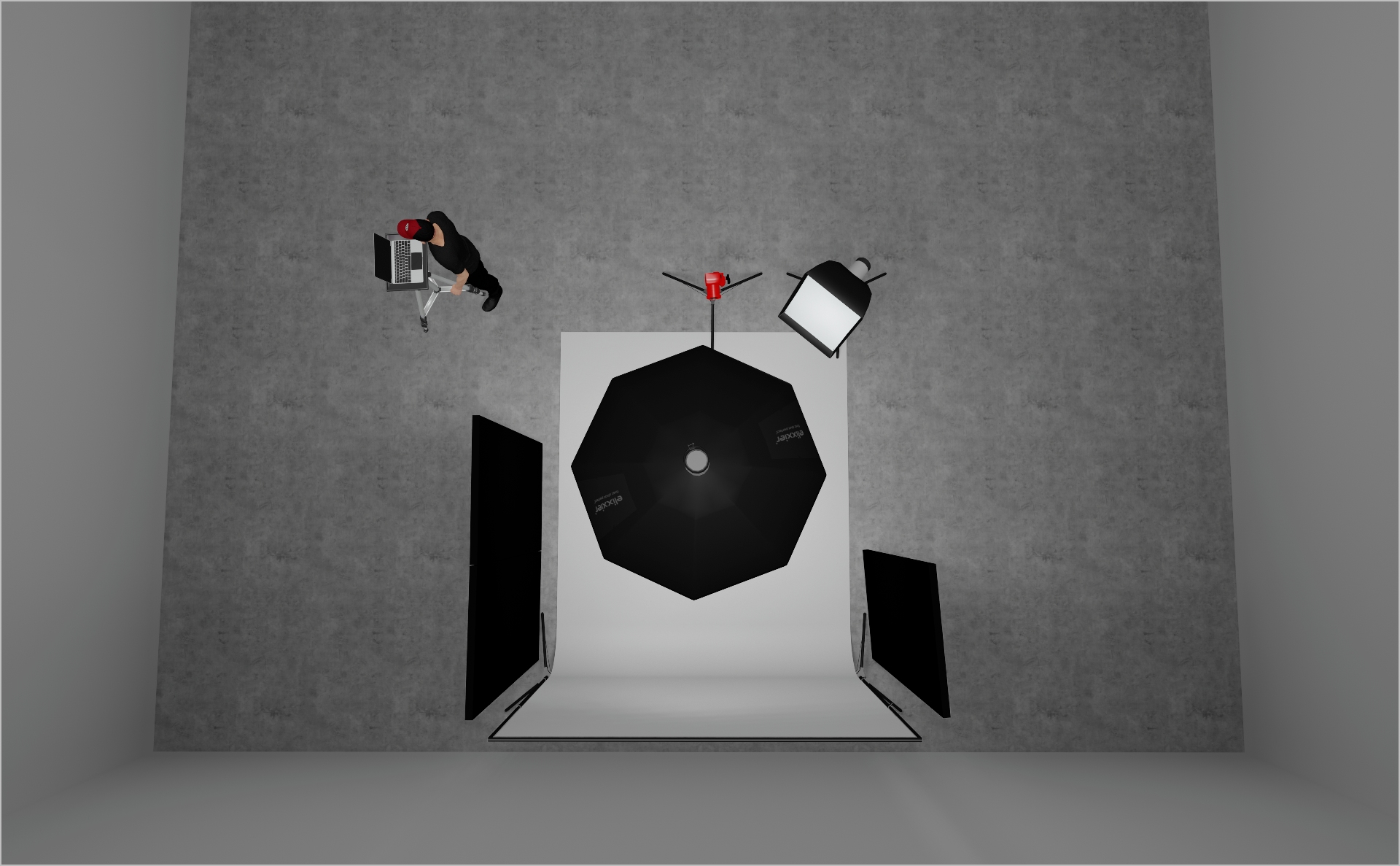
  • Set up your top light: mount a Profoto ProHead with a Profoto 5" Octabox + grid on a Mega Boom arm
  • Position it roughly 2 m in front of the backdrop to get a clean fall off on the background without blowing it out
  • Start at power 6.0, then fine tune based on distance, ambient and your desired contrast
STEP 2
  • Add a Profoto 1x3 Softbox on camera left to gently lift the shadows under the chin and around the eyes
  • Keep it at a lower angle so it fills without competing with the top light
  • Start at power 2.0, then adjust until the fill is just noticeable
STEP 3
  • Place the model directly under the top light and fine tune the look by adjusting their position forward and back
  • Stepping slightly back toward the backdrop gives you more open light on the face. Stepping forward toward camera increases shadow definition and makes the look more dramatic
  • Camera settings: 1/160 s, f/7.1, ISO 100. Adjust to taste and your ambient levels
Credits

Photographer: Per Appelgren c/o SCHIERKE.HOTTAS Artists

Light Operator: Liam Mulligan

Model: Robe

Styling: Marcella Verweyen

Make-up: Eva Herbohn

Hair: Theo Schnuerer

Digi-Tech: Wiston Sussens

PROJECT DETAILS
CRAFTING THE LIGHT
Project Intro
This editorial setup is designed to create a top light that shapes the face and body and adds depth to the image. The light comes from above with enough softness to stay flattering, but still directional enough to define cheekbones, the nose shadow and the overall structure of the face. The fall off helps keep the frame grounded and introduces a subtle sense of drama without looking harsh. It tends to work especially well on darker skin tones with a result that feels editorial and dimensional without losing detail in skin or styling.
BEFORE AND AFTER
Transformation made visible.
  • Set up your top light: mount a Profoto ProHead with a Profoto 5" Octabox + grid on a Mega Boom arm
  • Position it roughly 2 m in front of the backdrop to get a clean fall off on the background without blowing it out
  • Start at power 6.0, then fine tune based on distance, ambient and your desired contrast
STEP 2
  • Add a Profoto 1x3 Softbox on camera left to gently lift the shadows under the chin and around the eyes
  • Keep it at a lower angle so it fills without competing with the top light
  • Start at power 2.0, then adjust until the fill is just noticeable
STEP 3
  • Place the model directly under the top light and fine tune the look by adjusting their position forward and back
  • Stepping slightly back toward the backdrop gives you more open light on the face. Stepping forward toward camera increases shadow definition and makes the look more dramatic
  • Camera settings: 1/160 s, f/7.1, ISO 100. Adjust to taste and your ambient levels
No items found.
BEFORE AND AFTER
A closer look at professional environments.
TOOLS
Equipment List
Profoto Pro 11
Profoto ProHead
Profoto Extension Cable
Profoto Octa Softgrid
Profoto RFI Softbox Octa 5"(150cm)
Profoto RFI Softbox 1x3"(30x90cm)
Poly Board Black Large
Profoto Air Remote
C-Stand
Mega Boom Stand & Wind-Up

Here you´ll find everything to elevate your career

UNLOCKED
Lighting
UNLOCKED
Capture One Styles
LOCKED
UNLOCKED
Retouching
LOCKED
UNLOCKED
EQ Overview
LOCKED
UNLOCKED
Community
MEMBER-EXCLUSIVE OFFERING
Mentoring
Rotate your device to see the content